
Source reddit /u/brvnonascimento/
Play Store Autosync for Drive
Quick tutorial for cloud-syncing your saves from Computer to Android.
Inspired by the versatility that my Nintendo Switch gives, allowing me to start a game on the TV and continue the progress on Portable Mode, I setup a nice way to “cross-save” my games on Retroarch from the PC to my phone and vice versa. Let’s-a-go:
1 – Choose a cloud service like Dropbox or Google Drive and download its Auto-Sync app both on your Computer and Android (Dropsync or Autosync for Google Drive, for example).
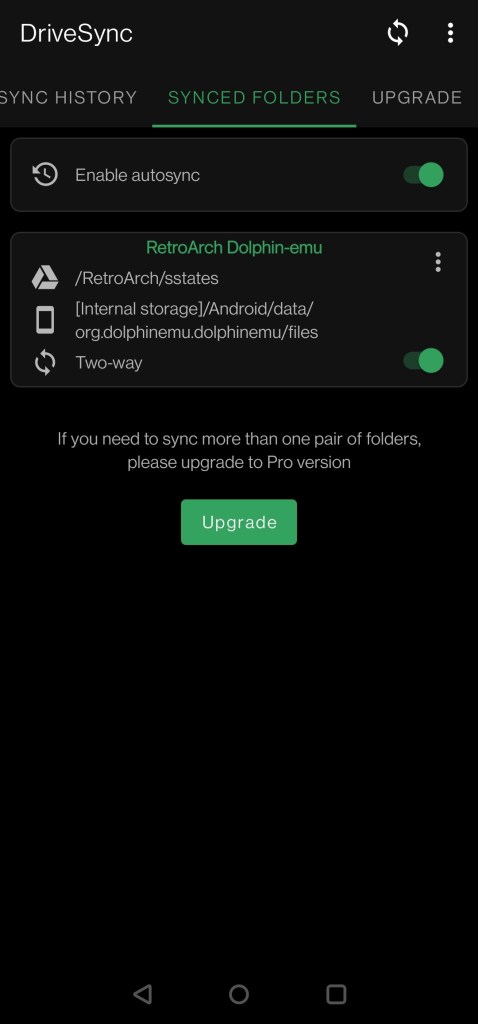
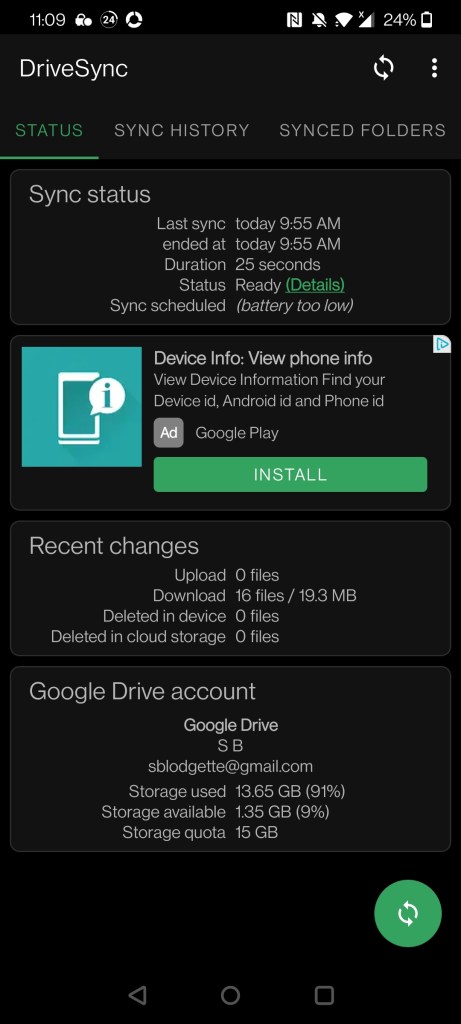
2 – Search and sync to the cloud your save folder from Retroarch on Android. By default, it’s the one at “Internal Storage/Retroarch/saves”.
3 – After uploading your Save Folder, change the default Save Folder path in Retroarch on the PC for the new Sync Folder one. Go to Settings tab, then scroll down to “Directory” option and “Savefile” to specify the path.
Example: “home/user/Dropbox/DropsyncFiles” on Linux.
That’s it. Every change you make on the save files on any device will automatically apply to all of them. You can replicate the same system to your Save States as well. On your cloud service settings, you’ll be able to set the timer for it to sync (set mine to 10 minutes) . It’s always nice to keep a backup, by the way.
Now you’ll be able to start playing Zelda or Pokémon on your PC and continuing it on-the-go!
Point all emulators to /0/Retroarch/saves/ to support for Dolphin until its supported on Retroarch for Android
 TwiceBakedTech
Leave a comment